

What Can a Drone Do with Computer Vision?
- Starter
- Article
- Ages 10+
- 5 min read

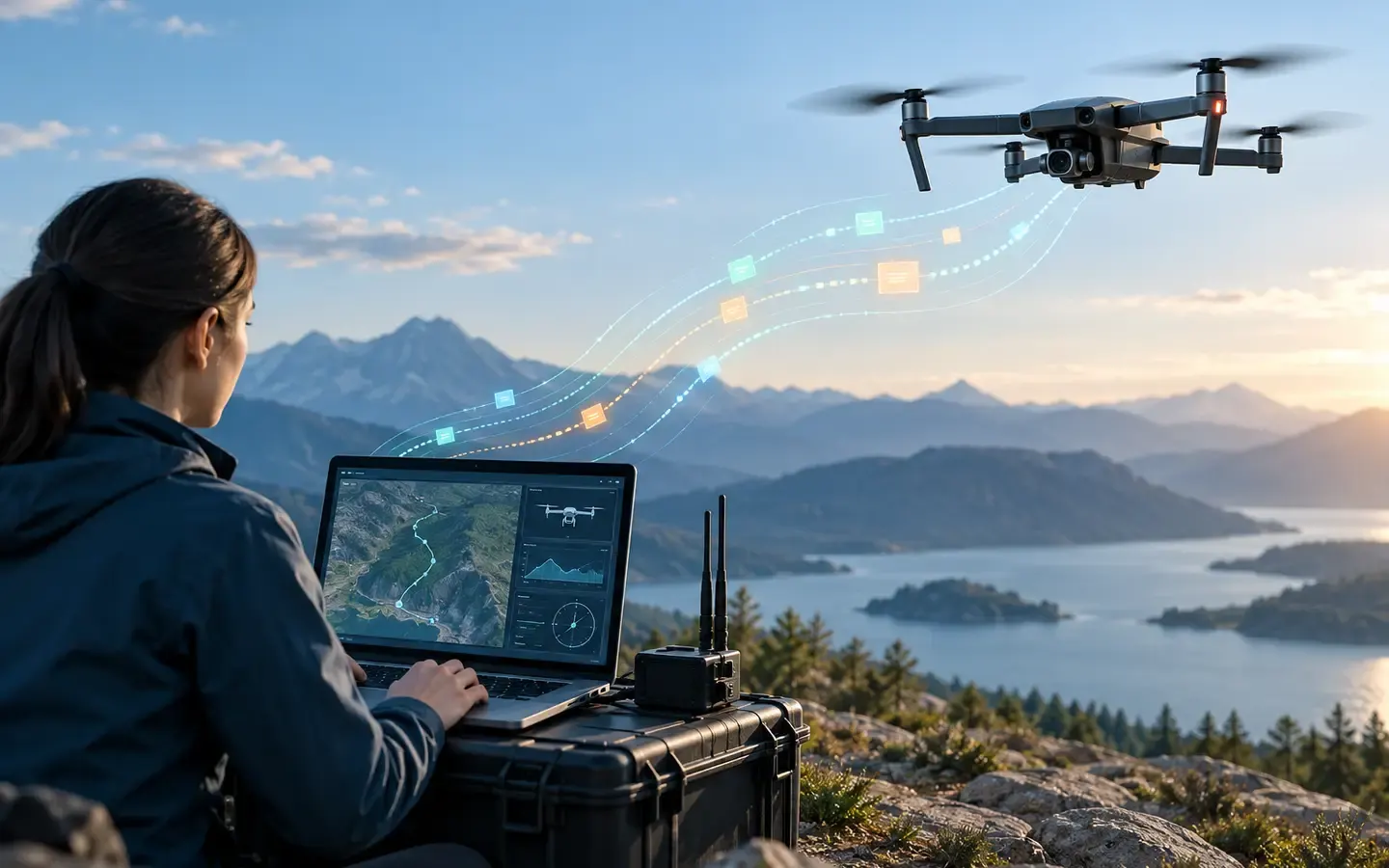
Computer vision is software that extracts information from images or video. On a drone, a camera supplies frames, a program analyses them, and another application decides what to do with the result. Detecting objects is only one job in a broader map.
Contents
- Image-capturing camera
- Vision processor
- Frame with a region of interest
Four jobs, four kinds of output
In one frame, object detection finds items from classes the model knows and returns a label plus an image region around each item. The ML Kit documentation describes its output as objects and locations in the image. For example, an image might report “bicycle” inside a rectangle; that rectangle does not say where the bicycle is in the physical world.
Tracking receives successive frames and tries to connect an object already seen with its new position. Its output can be the same tracking ID and an updated location over time. This helps answer where an object is moving in the image. If it is hidden or similar objects cross, the system can connect the wrong object or lose the ID.
Image segmentation assigns labels to pixels or small regions, producing a shape mask instead of a broad rectangle. This can distinguish an object's outline from nearby background, but it needs a model suited to the desired categories. Its output differs from a detection box.
Motion or position estimation uses changes between images to infer a direction of movement. To estimate a position in space, the system also needs a suitable reference, such as camera calibration and depth or vehicle-state information. A pixel near the centre of an image does not reveal how far away an object is. “The object is visible” and “its position in space is known” are different levels of result.
The Image Segmenter guide distinguishes category and confidence masks at pixel level. OpenCV optical flow describes apparent motion caused by the object or the camera moving; it does not by itself establish an absolute position. The OpenCV camera model explains projection from a scene onto an image. Reading a pixel coordinate and locating an object in the world therefore require different information.
Follow one camera image through an application
Imagine a camera sending an image of a parking area. A detector receives it and returns the label “car” with a rectangular region. A tracker can connect that region to the next image and update its position in the frame. Another module might draw a shape mask or compare image regions to observe change. Finally, an application displays the result to a person. Each stage transforms data; none automatically turns an image label into a flight-controller command.
Where does the computation run?
PX4's architecture documentation describes the flight controller as running the normal flight stack, while a companion computer can provide advanced features that use computer vision. This divides responsibilities: the companion processes images and sends information through an integrated interface; the flight stack manages vehicle control. The specific hardware and interface depend on the system, and not every drone has the same equipment.
Choose an output for the question
If the question is “which kinds of objects are in the image?”, detection labels and boxes may help. If it is “where did the object go across the video?”, temporal linking is needed. If the outline matters, a segmentation mask may fit better. If a real-world position is needed, geometry and sensor data must also be considered. Choosing the wrong output asks a model to answer a question its data cannot answer.
The comparison of output types here is not a quality measurement on a shared drone-image dataset. Lighting, vibration, viewpoint, resolution and occlusion need checking on the intended data. A vision result should also be treated as an uncertain observation, not a perfect fact.
Summary
- Detection finds objects; tracking links them over time; segmentation outlines shapes; spatial or motion estimates need suitable reference data.
- The camera creates images, software creates results, and an application decides how to use them.
- A companion computer can process vision while the flight stack remains responsible for vehicle control.
Terms in this article
English and Vietnamese terms, with the meanings used here. Hover, tap or Tab to a term with a dotted underline for an explanation as you read.
- computer visionthị giác máy tính
- How a computer understands images, such as finding objects and where they are.
- companion computermáy tính đồng hành
- A small computer on the drone that runs advanced features such as computer vision.
This article is not marked as viewed
Spotted something wrong or unsafe?
Tell the administrator by email. The message already has the article title and address.
You may also like
 Basic
How Does MAVLink Carry a Command to a Flight Controller?
Follow how MAVLink sends commands, receives ACKs and separates protocol acknowledgement from task completion.
Internet of Things (IoT)6 min read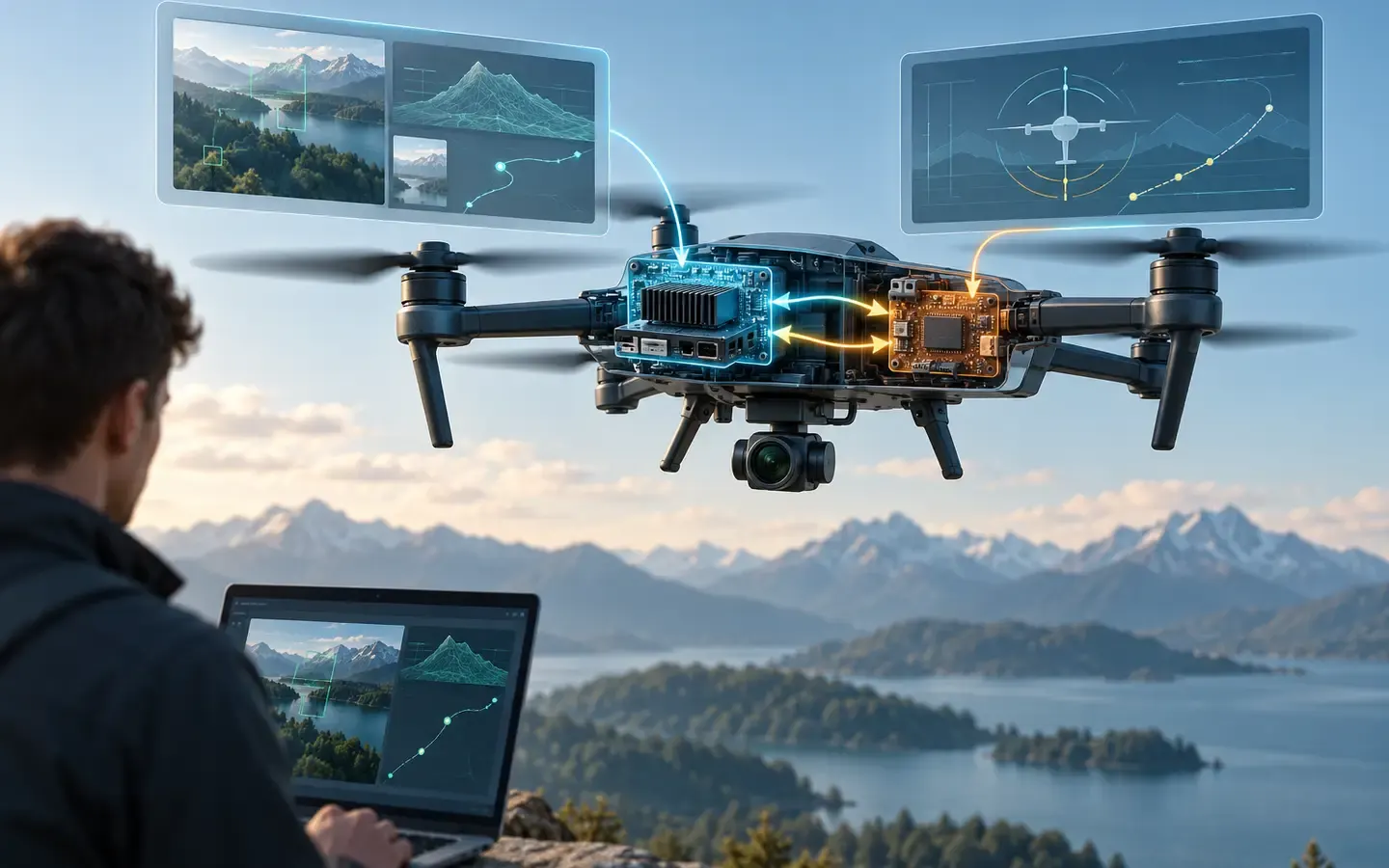 Intermediate
How Does a Companion Computer Link to a Flight Controller?
Trace serial or Ethernet connections, bidirectional protocols and signals that reveal command results or link loss.
Internet of Things (IoT)6 min read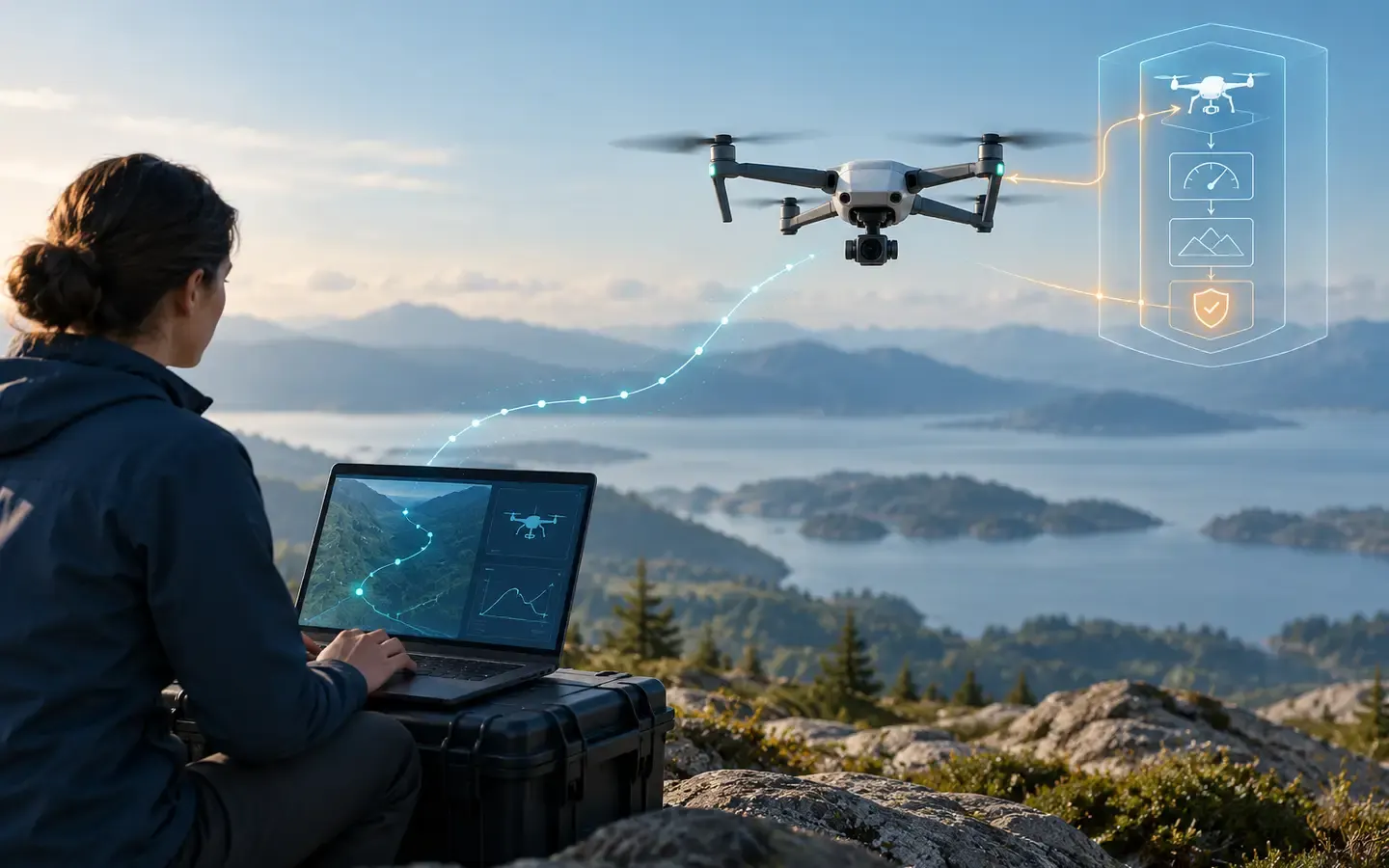 Intermediate
How Does Offboard Software Send Flight Commands?
Understand offboard states, setpoint streams, mode feedback and how to check a timeout in simulation.
Internet of Things (IoT)6 min read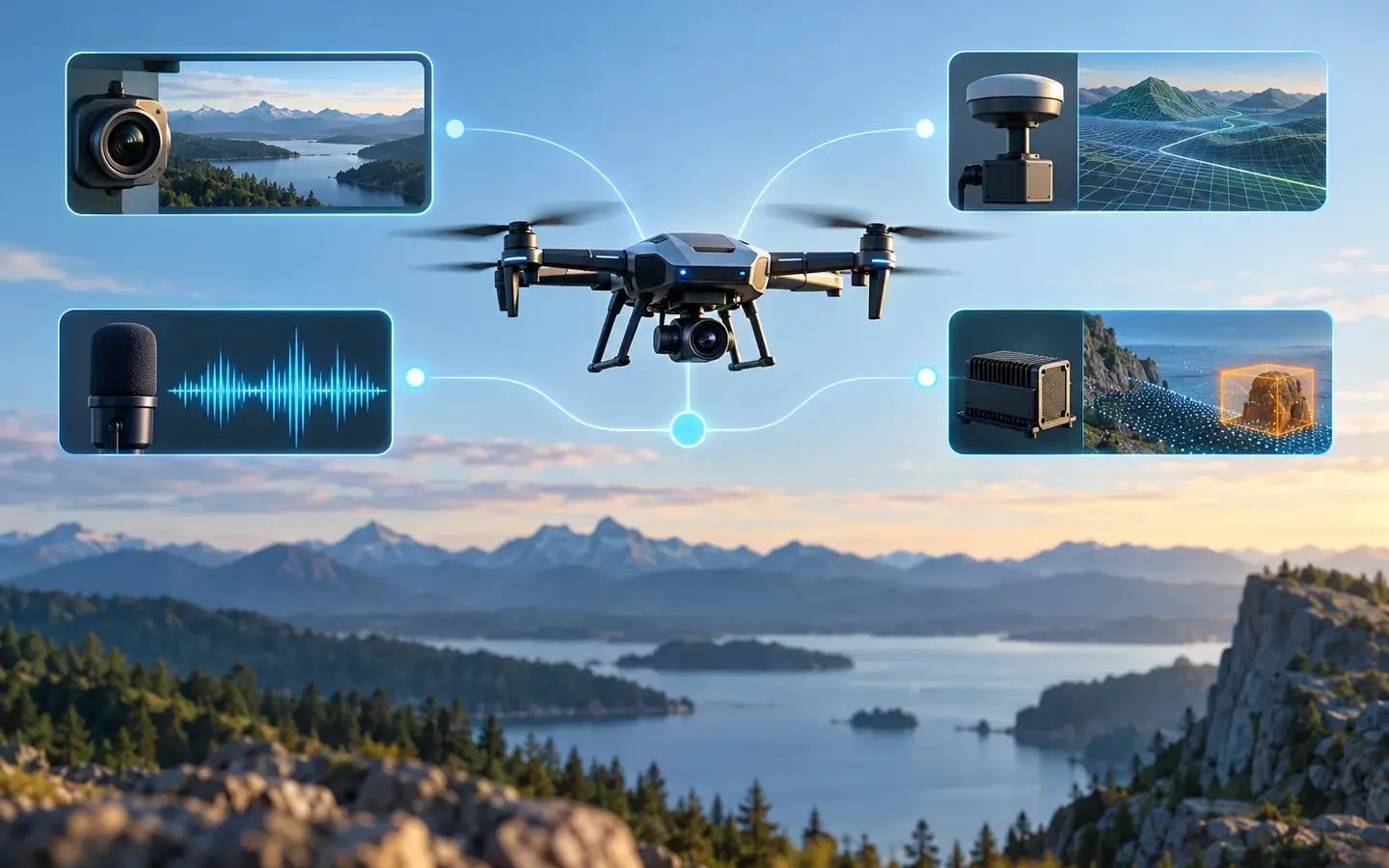 Intermediate
How Does ROS 2 Connect Voice, Vision and Flight Control?
Follow a voice command through speech recognition, vision, coordination and PX4 to see how ROS 2 connects drone software and returns task feedback.
Robotics6 min read


Sources
These sources are written for older readers. If they feel hard, read them with an adult.
- Object Detection and Tracking(opens in a new tab)
Google for DevelopersTier B: vendor documentationRead on October 30, 2026
- PX4 System Architecture(opens in a new tab)
PX4Tier C: other sourcesRead on October 30, 2026
- Image segmentation guide(opens in a new tab)
GoogleTier B: vendor documentationRead on October 30, 2026
- Optical Flow(opens in a new tab)
OpenCVTier C: other sourcesRead on October 30, 2026
- Camera Calibration and 3D Reconstruction(opens in a new tab)
OpenCVTier C: other sourcesRead on October 30, 2026