

How Does Arduino Run setup and loop?
- Basic
- Article
- Ages 13+
- 4 min read

Contents
- Computer with the Arduino IDE
- Arduino board
- Output signal
What you will learn
- Say what Arduino is and how code is loaded.
- Describe the run order of setup() and loop().
- Explain why loop() has no pause.
Before you start
It helps to know what GPIO is.
What is Arduino?
Arduino is an open-source platform used for building electronics projects. The Arduino IDE uses a simplified version of C++, making it easier to learn to program.
The USB connection is also how you load code onto an Arduino board. The Arduino UNO contains everything needed to support the microcontroller; simply connect it to a computer with a USB cable.
- Sketch
- setup function
- loop function
In what order do setup() and loop() run?
A new sketch in this tutorial is created with the two functions setup() and loop(). The setup() function runs once when the sketch runs, while the loop() function repeats continuously.
After the board is powered up, setup() runs first, followed by loop(). If both are removed and the sketch is left completely blank, it does not pass verification.
- Power up
- setup runs once
- loop runs
- Back to loop
Why does loop() have no pause?
There is no delay automatically built into the loop. When the code in loop() finishes, it starts again immediately.
To slow the loop down, a delay can be added with the delay() function. The first example sketch in the Arduino IDE is Blink.
- Loop without delay
- Loop with delay
- The pause
Real-world example
With an adult, think of a blinking indicator light. The preparation is done once in setup(). Turning the light on and off again and again sits in loop().
Common misunderstandings
setup() repeats along with loop(). setup() runs once, while loop() is the one that repeats continuously.
loop() waits by itself between rounds. No delay is automatically built into the loop; delay() or another timing approach can space operations out.
Frequently asked questions
How do setup() and loop() differ?
setup() runs once when the sketch runs, while loop() repeats continuously.
Can loop() have an empty body?
Yes. The function can be present with no statements inside its braces. Removing both setup() and loop() leaves a blank sketch that does not pass verification.
What is delay() for?
To add a delay and slow the loop down.
How is code loaded onto an Arduino?
Through the USB connection.
Summary
Terms in this article
English and Vietnamese terms, with the meanings used here. Hover, tap or Tab to a term with a dotted underline for an explanation as you read.
- Arduino
- An open-source platform of boards and software for building electronics projects.
- Sketch
- A program written for Arduino, built around the setup() and loop() functions.
- setup functionHàm setup
- The function that runs once when the sketch starts after the board is powered up.
- loop functionHàm loop
- The function that repeats continuously after setup(), starting again as soon as it finishes.
- Arduino IDE
- The programming environment that uses a simplified version of C++ to write and load sketches.
- delay functionHàm delay
- A function that adds a pause to slow the loop down.
This article is not marked as viewed
Spotted something wrong or unsafe?
Tell the administrator by email. The message already has the article title and address.
You may also like
 Basic
How Does MQTT Route Messages Through a Broker?
MQTT is a publish and subscribe protocol: a broker takes messages by topic and passes them to subscribers. Covers topics, wildcards and three QoS levels.
Internet of Things (IoT)4 min read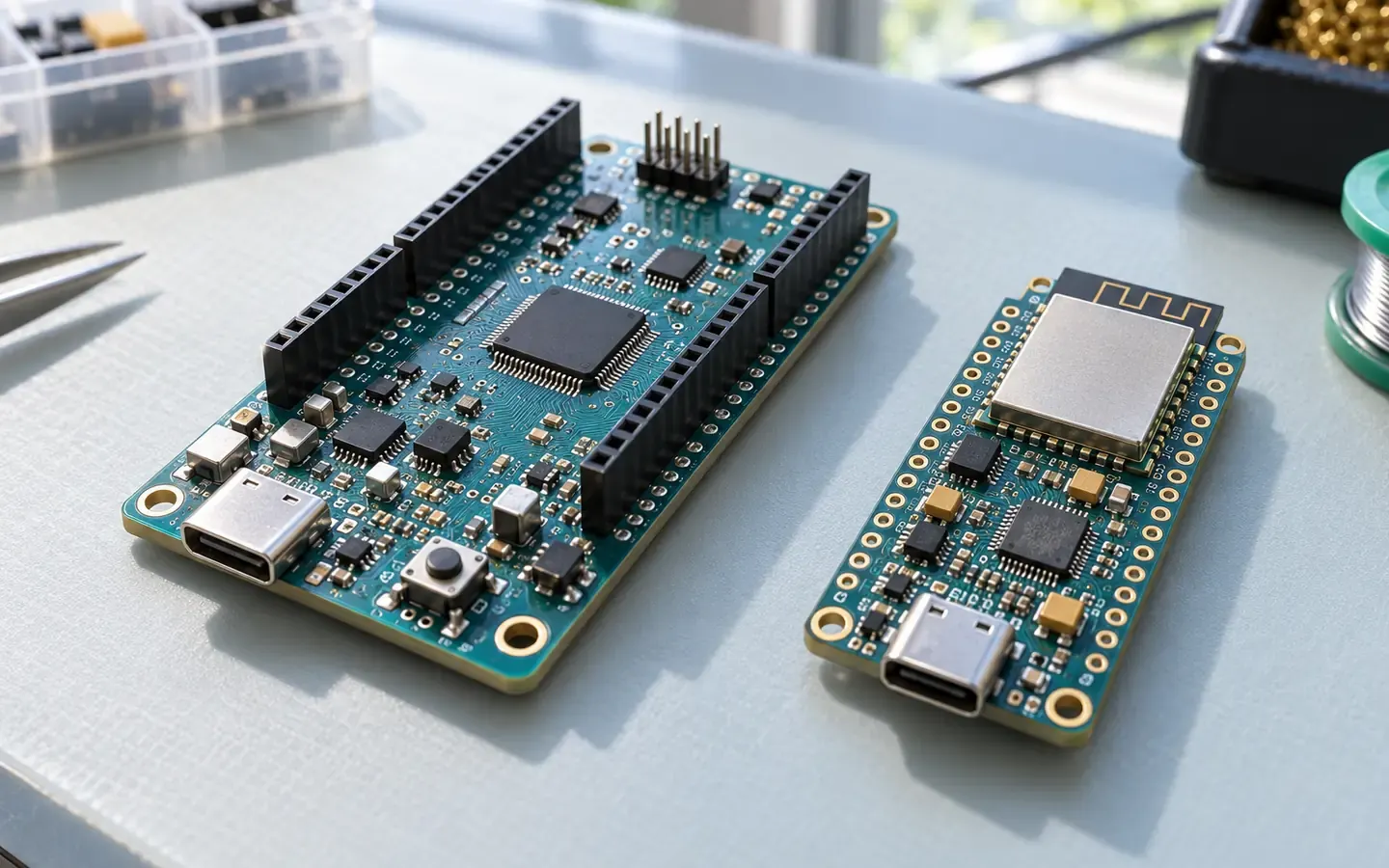 Starter
Overview of ESP32, Arduino and Other Boards
An overview of ESP32 and Arduino boards and how to choose by connectivity, voltage, power and microcontroller.
Internet of Things (IoT)4 min read Basic
How Does Modbus RTU Exchange Data?
Modbus RTU works by request and response between a master and slaves. See addresses, function codes, error checks and how frames are split by silent gaps.
Internet of Things (IoT)4 min read Basic
How Does RS-485 Transmit Differential Signals?
RS-485 sends signals over two wires and compares the voltage between them, so it resists noise, reaches far and lets many devices share one line.
Internet of Things (IoT)4 min read


Sources
These sources are written for older readers. If they feel hard, read them with an adult.
- Arduino programming (Internet of Things tutorial)(opens in a new tab)
Edinburgh Napier UniversityTier A: government, standards or research bodiesRead on October 29, 2026
- Arduino Program Structure(opens in a new tab)
SunFounderTier C: other sourcesRead on October 29, 2026
- What is an Arduino?(opens in a new tab)
SparkFun ElectronicsTier C: other sourcesRead on October 29, 2026
- Arduino UNO Rev3(opens in a new tab)
ArduinoTier C: other sourcesRead on October 29, 2026