

How Does GPIO Read Buttons and Count Pulses?
- Basic
- Article
- Ages 14+
- 4 min read

Contents
- Microcontroller
- Output pin
- Pulse signal
What you will learn
- Say how a GPIO pin is used as an input or an output.
- Explain how a pull-up resistor lets a pin read a button.
- Describe how a pulse counter records edges.
Before you start
It helps to know what a pull-up resistor and voltage are.
What is GPIO used for?
Users usually only need to configure the IOs as simple inputs or outputs. On the ESP32, the IO MUX, RTC IO MUX and GPIO matrix allow peripheral signals to be routed flexibly to GPIO pins. Individual pins can have restrictions, so check each pin's functions and limitations before using it.
- Incoming signal
- Pin set as input
- Outgoing signal
How does GPIO read a button?
An input pin with nothing connected is in an unknown state called floating. A pull-up or pull-down resistor ensures the pin is in either a high or low state while using only a small current.
The pull-up resistor is connected to the high voltage, and the pull-down resistor is connected to ground. In a circuit where the button connects the pin to ground, a pull-up resistor makes the input read high when the button is not pressed. When the button is pressed, it connects the input pin directly to ground.
- Pull-up resistor
- Button
- Input pin
How does a pulse counter record pulses?
The ESP32 contains multiple pulse counter units in the module. Each pulse counter unit is in effect an independent counter with multiple channels, and each channel can increment or decrement the counter on a rising or falling edge.
The counter resets to zero automatically when it crosses either configured limit. A watch point lets the counter trigger an event when the count reaches a certain value.
- Incoming pulse train
- Pulse counter
- Event at the set count
The pulse counter unit has control functions such as enabling the glitch filter, starting and stopping the unit, and getting and clearing the count value.
Real-world example
With an adult, think of a fan with a button. A GPIO pin reads whether the button is pressed. A rotation sensor sends pulses to a counter; knowing the number of pulses per turn lets us calculate the number of turns.
Common misunderstandings
A pin with nothing connected reads low. Such a pin is in an unknown state, called floating.
A GPIO pin counts pulses by itself. On ESP32, the PCNT peripheral can count configured rising or falling edges; software can read and clear its count.
Frequently asked questions
What is GPIO?
GPIO pins are the IO pins of a microcontroller, usually set up as simple inputs or outputs.
Why does a button need a pull-up resistor?
A pull-up resistor holds the pin high while the button is not pressed, so the pin does not float.
What is an edge?
It is the moment a signal switches from low to high (rising edge) or from high to low (falling edge).
What is a watch point on a pulse counter?
It is a way for the counter to trigger an event when the count reaches a certain value.
Summary
- GPIO pins are usually set up as simple inputs or outputs.
- A pull-up resistor makes a pin read high while the button is not pressed, and pressing connects the pin to ground.
- A pulse counter counts rising or falling edges and can trigger an event at a set count.
Terms in this article
English and Vietnamese terms, with the meanings used here. Hover, tap or Tab to a term with a dotted underline for an explanation as you read.
- General-purpose input/outputGPIO
- A microcontroller pin that can be set up as a simple input or output.
- Floating pinChân trôi nổi
- An input pin tied to neither a high nor a low level, so its state is unknown.
- Pull-up and pull-down resistorsĐiện trở kéo lên và kéo xuống
- Resistors that hold a pin high (to the high voltage) or low (to ground) when nothing drives it.
- Pulse counterBộ đếm xung
- A hardware block that counts the rising or falling edges of a signal.
- EdgeSườn xung
- The moment a signal switches from low to high (rising edge) or from high to low (falling edge).
- Glitch filterBộ lọc xung nhiễu
- A pulse counter feature that ignores very short noise pulses.
This article is not marked as viewed
Spotted something wrong or unsafe?
Tell the administrator by email. The message already has the article title and address.
You may also like
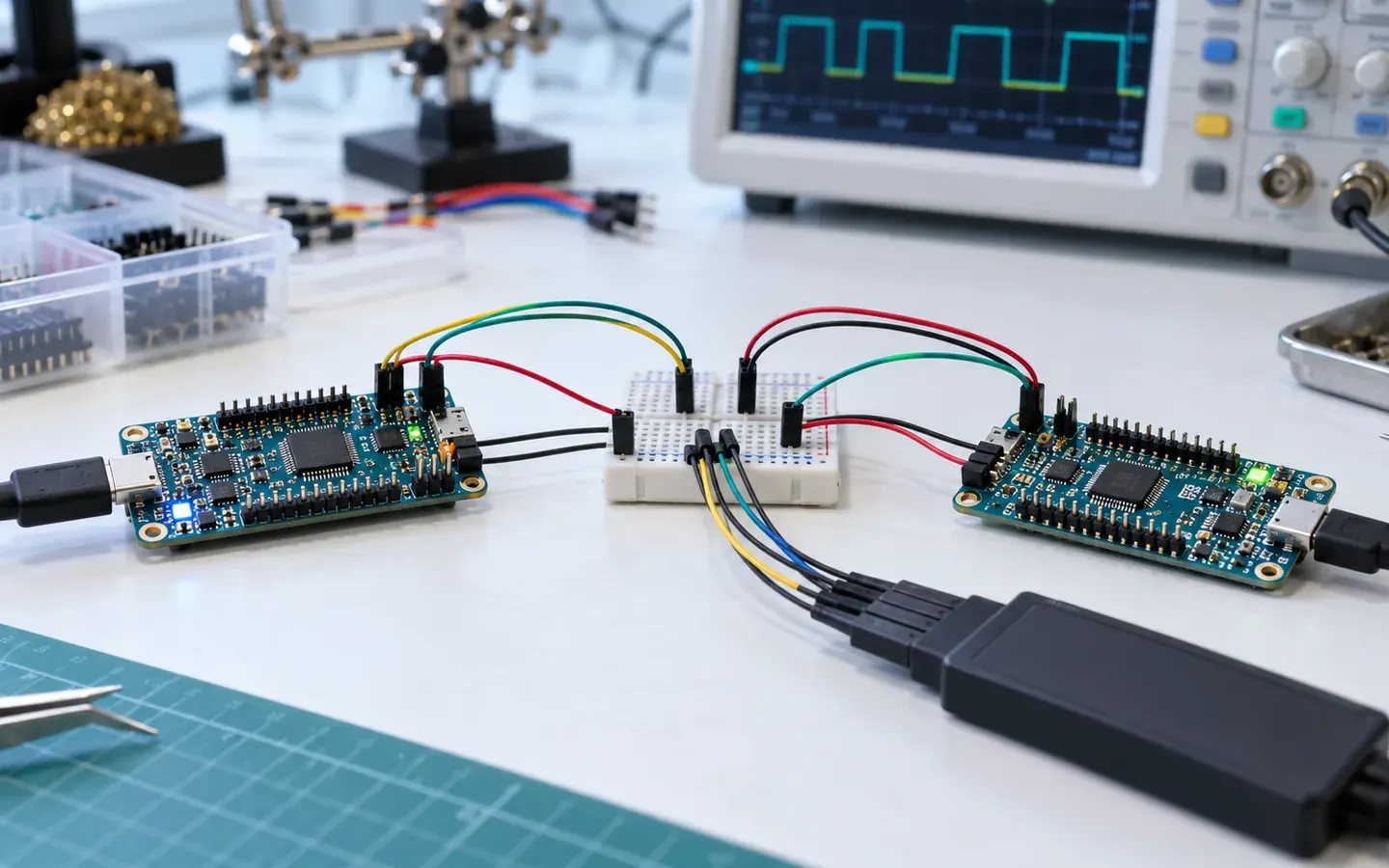 Basic
How Does UART Transmit a Byte?
UART sends serial data without an external clock. See the TX and RX pins, the frame of start, data and stop bits, and what the baud rate means.
Internet of Things (IoT)4 min read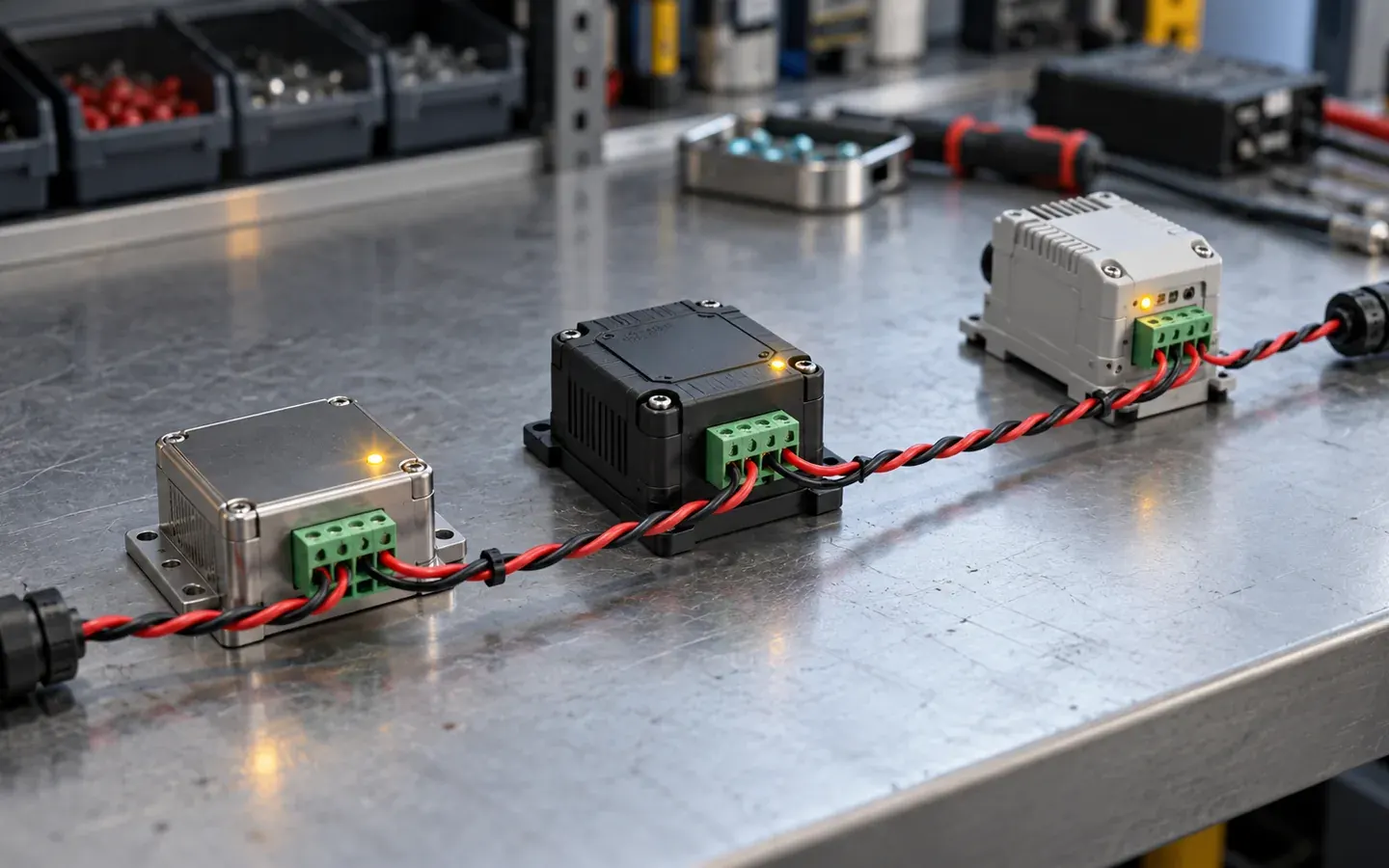 Basic
How Does RS-485 Transmit Differential Signals?
RS-485 sends signals over two wires and compares the voltage between them, so it resists noise, reaches far and lets many devices share one line.
Internet of Things (IoT)4 min read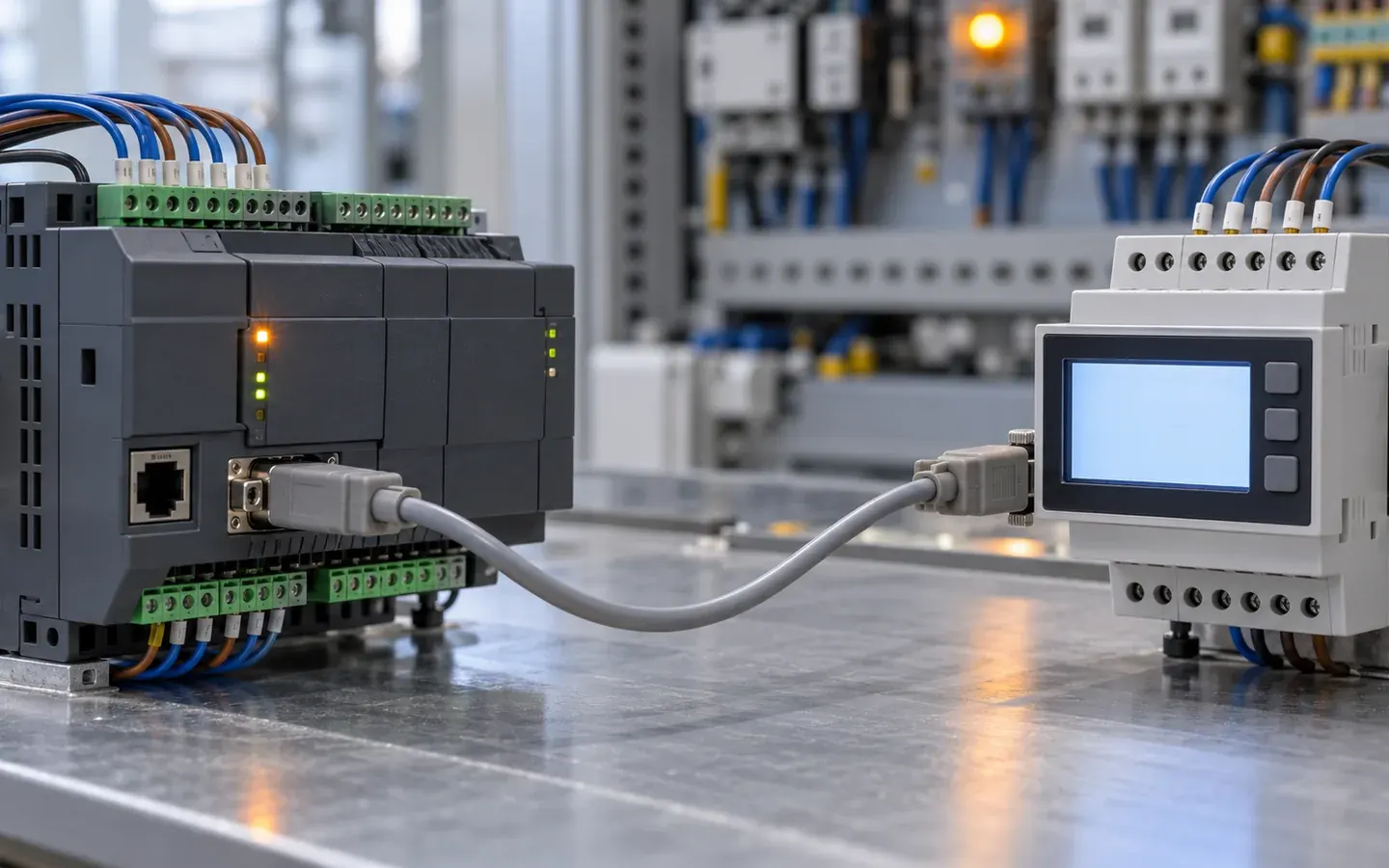 Basic
How Does Modbus RTU Exchange Data?
Modbus RTU works by request and response between a master and slaves. See addresses, function codes, error checks and how frames are split by silent gaps.
Internet of Things (IoT)4 min read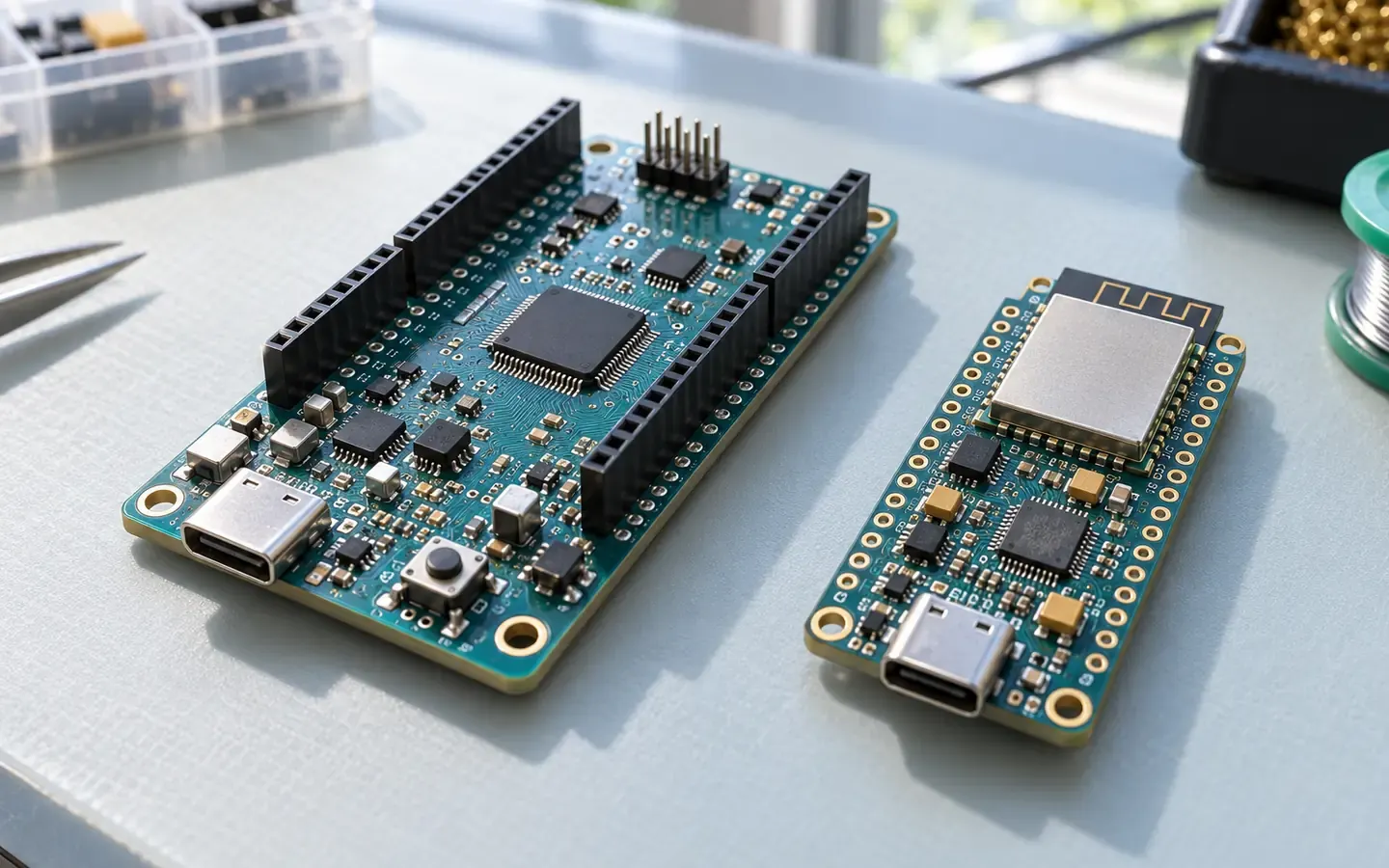 Starter
Overview of ESP32, Arduino and Other Boards
An overview of ESP32 and Arduino boards and how to choose by connectivity, voltage, power and microcontroller.
Internet of Things (IoT)4 min read


Sources
These sources are written for older readers. If they feel hard, read them with an adult.
- GPIO and RTC GPIO (ESP-IDF Programming Guide)(opens in a new tab)
Espressif SystemsTier C: other sourcesRead on October 29, 2026
- Pulse Counter (PCNT) (ESP-IDF Programming Guide)(opens in a new tab)
Espressif SystemsTier C: other sourcesRead on October 29, 2026
- Pull-up Resistors(opens in a new tab)
SparkFun ElectronicsTier C: other sourcesRead on October 29, 2026