

How Does UART Transmit a Byte?
- Basic
- Article
- Ages 14+
- 4 min read

A UART is the circuit block that carries out asynchronous serial communication: data is sent without an external clock signal. Each data word, often a byte, is packed into a frame of bits, and the two devices must agree on the baud rate. This is how many sensors and modules talk to a microcontroller.
Contents
- First device
- Second device
- Shared ground reference
What you will learn
- Connect the TX and RX pins correctly between two devices.
- Describe the parts of a UART frame.
- Explain what the baud rate is.
Before you start
It helps to know what GPIO is and what high and low signal levels are.
How does UART connect two devices?
In a typical bidirectional UART connection, each device uses a receiver pin, RX, and a transmitter pin, TX. A universal asynchronous receiver/transmitter (UART) is a block of circuitry responsible for implementing serial communication.
The RX and TX labels are with respect to the device itself. So the RX of one device should go to the TX of the other, and vice versa. For a direct logic-level connection, the devices need a common ground reference and compatible voltage levels; confirm these requirements before connecting. Asynchronous means that data is transferred without support from an external clock signal.
- First device
- Second device
- Line from TX to RX
- Line from RX to TX
- Shared ground reference
How is a byte framed?
Each block of data, usually a byte, is sent in a packet or frame of bits. A frame has synchronization bits around the data; some configurations also add an optional parity bit.
A frame has one start bit; common configurations use one or two stop bits.
- Start bit
- Data bits
- Stop bit
Parity is a form of very simple, low-level error checking. It is optional.
What is the baud rate?
The baud rate specifies how fast data is sent over a serial line. Inverting the baud rate gives the time it takes to transmit a single bit.
The higher a baud rate goes, the faster data is sent and received, but there are limits to how fast data can be transferred.
- Low baud, long bits
- High baud, short bits
- Long time per bit
- Short time per bit
Real-world example
With an adult, look at a sensor module with four pins. Two of them are often TX and RX. When joined to a microcontroller, the module's TX goes to the microcontroller's RX.
Common misunderstandings
Joining TX to TX is correct. The RX of one device should go to the TX of the other, and vice versa.
Two devices know each other's speed on their own. There is no external clock, so both sides have to agree on the baud rate, and on the exact same protocol settings.
Any number of devices can share one TX line. In basic point-to-point UART wiring, multiple devices transmitting on one TX line can cause bus contention.
A logic-level module can plug straight into any serial port. A TTL serial device cannot be interfaced directly with an RS-232 bus; the signals have to be shifted.
Frequently asked questions
What is a UART?
A UART is a block of circuitry that implements serial communication.
Why must TX go to RX?
The RX and TX labels are with respect to the device itself, so one side's transmitter feeds the other side's receiver.
What is the baud rate?
The baud rate specifies how fast data is sent over a serial line.
What is a parity bit for?
It is a form of very simple, low-level error checking, and it is optional.
Summary
- A UART carries out asynchronous serial communication over RX and TX signal lines, crossed between two devices.
- Each data word, often a byte, is sent in a frame with a start bit, the data, stop bits and possibly a parity bit.
- The baud rate says how fast data is sent, and its inverse is the time for one bit.
Terms in this article
English and Vietnamese terms, with the meanings used here. Hover, tap or Tab to a term with a dotted underline for an explanation as you read.
- Universal asynchronous receiver/transmitterUART
- A circuit block that implements asynchronous serial communication.
- TX and RX pinsChân TX và RX
- The transmit (TX) and receive (RX) pins of a serial device.
- AsynchronousKhông đồng bộ
- Transferring data without an external clock signal.
- FrameKhung dữ liệu
- A packet of bits with data and synchronization bits; some configurations add an optional parity bit.
- Baud rateTốc độ baud
- A value that tells how fast data is sent over a serial line.
- Parity bitBit chẵn lẻ
- An optional bit added to a frame for very simple low-level error checking.
This article is not marked as viewed
Spotted something wrong or unsafe?
Tell the administrator by email. The message already has the article title and address.
You may also like
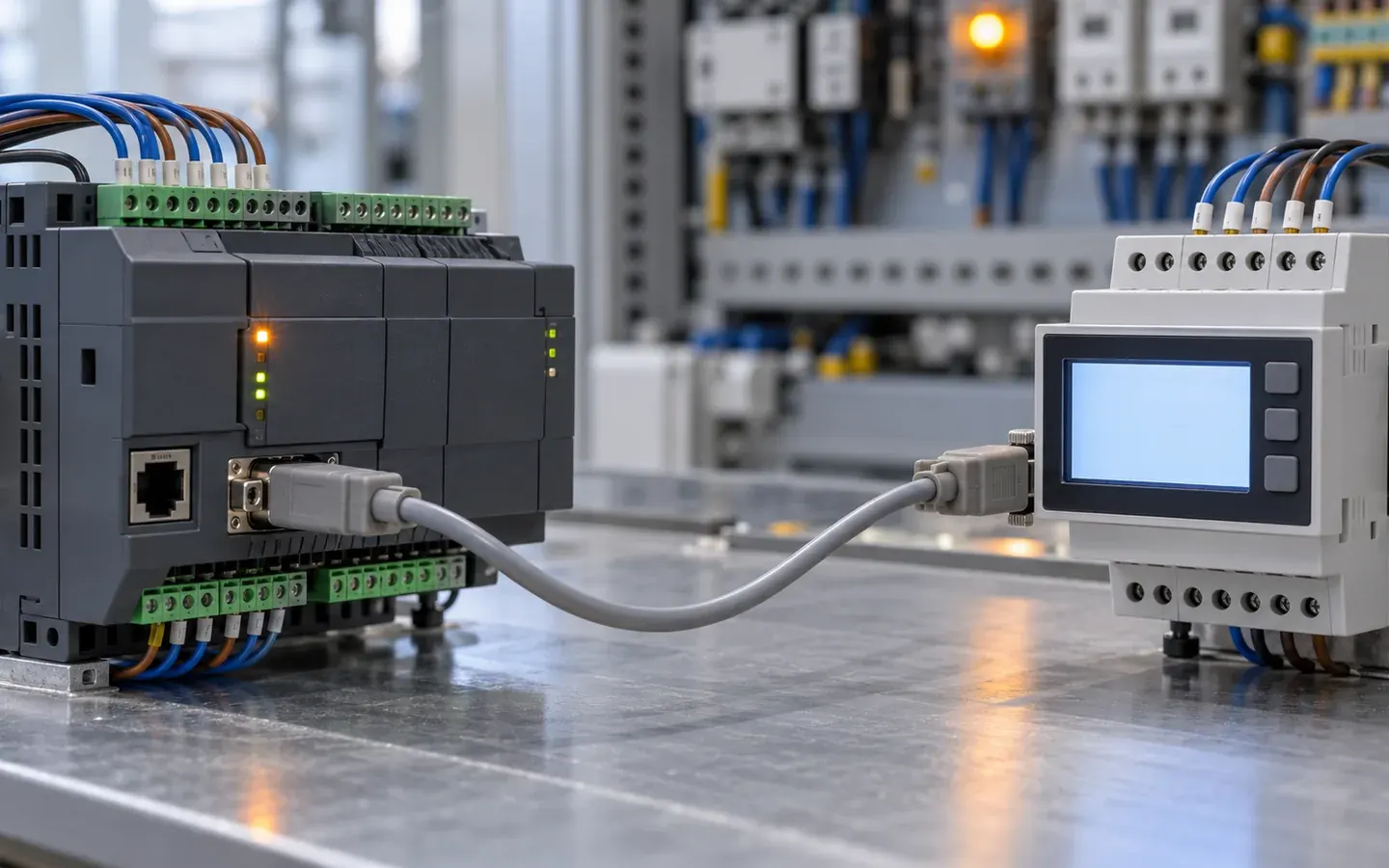 Basic
How Does Modbus RTU Exchange Data?
Modbus RTU works by request and response between a master and slaves. See addresses, function codes, error checks and how frames are split by silent gaps.
Internet of Things (IoT)4 min read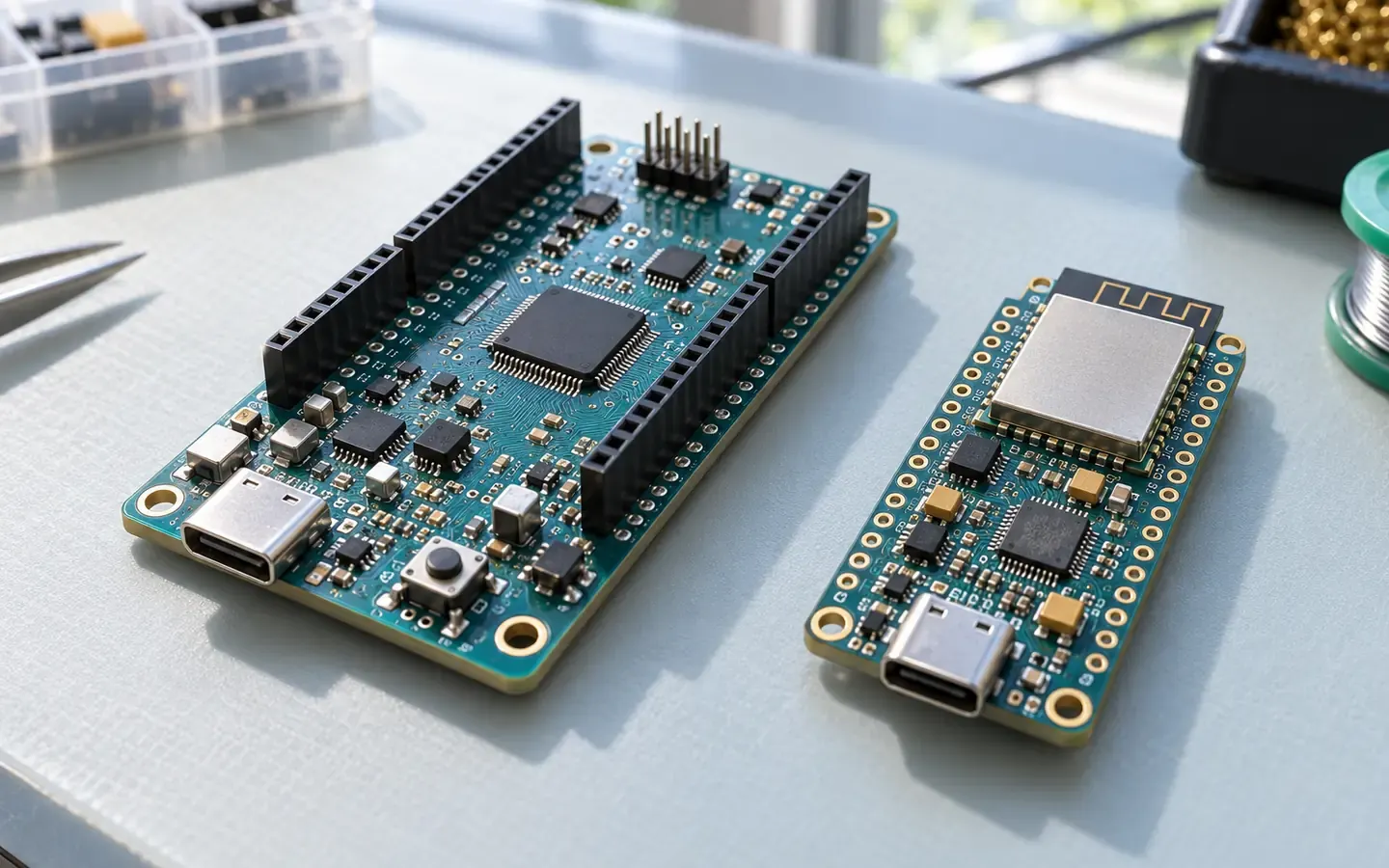 Starter
Overview of ESP32, Arduino and Other Boards
An overview of ESP32 and Arduino boards and how to choose by connectivity, voltage, power and microcontroller.
Internet of Things (IoT)4 min read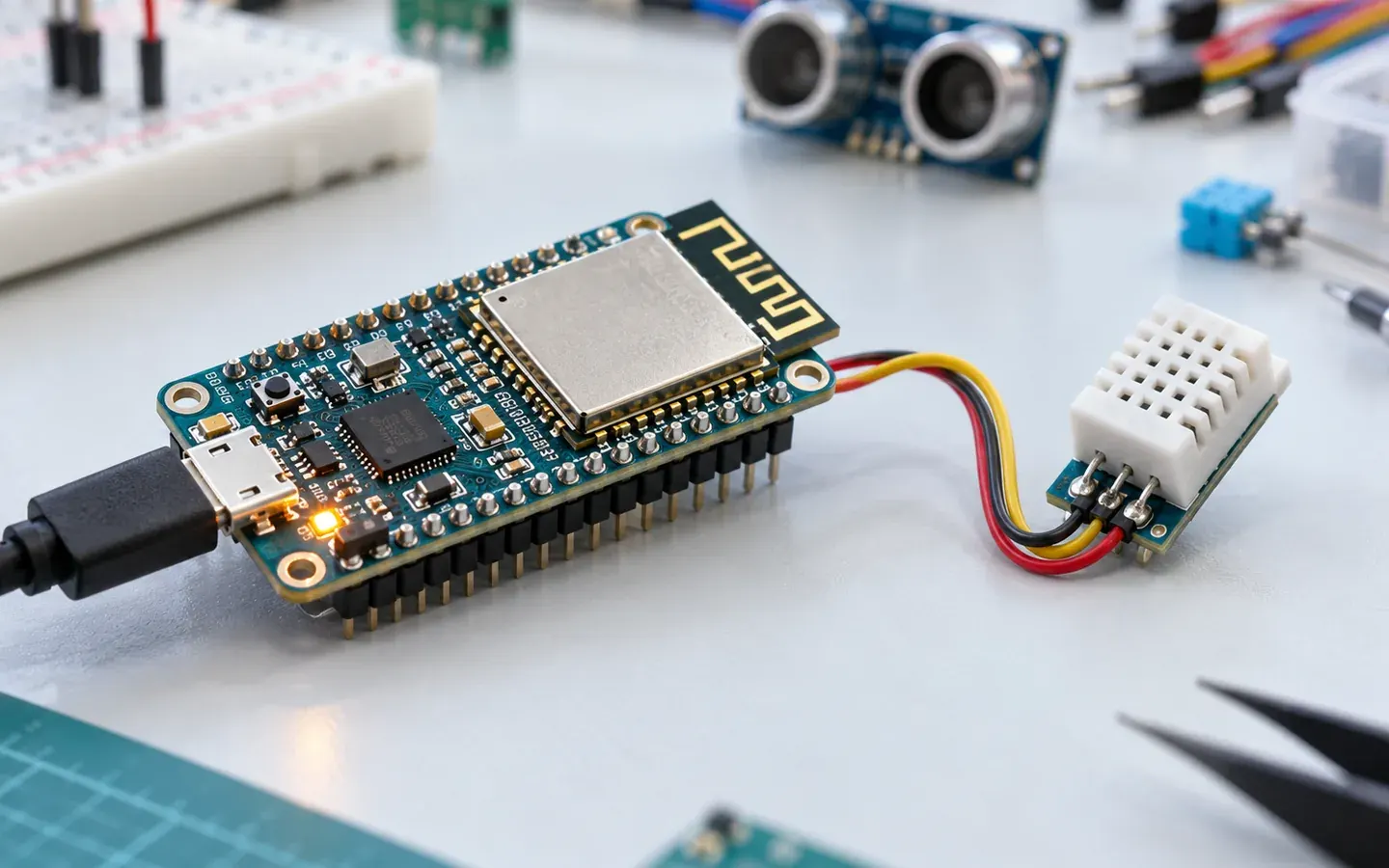 Basic
How Does an ESP32 Board Run and Communicate?
An ESP32 board pairs an ESP32 module with a USB port and pin headers. See its parts, how firmware is loaded over serial, and its Wi-Fi and Bluetooth.
Internet of Things (IoT)4 min read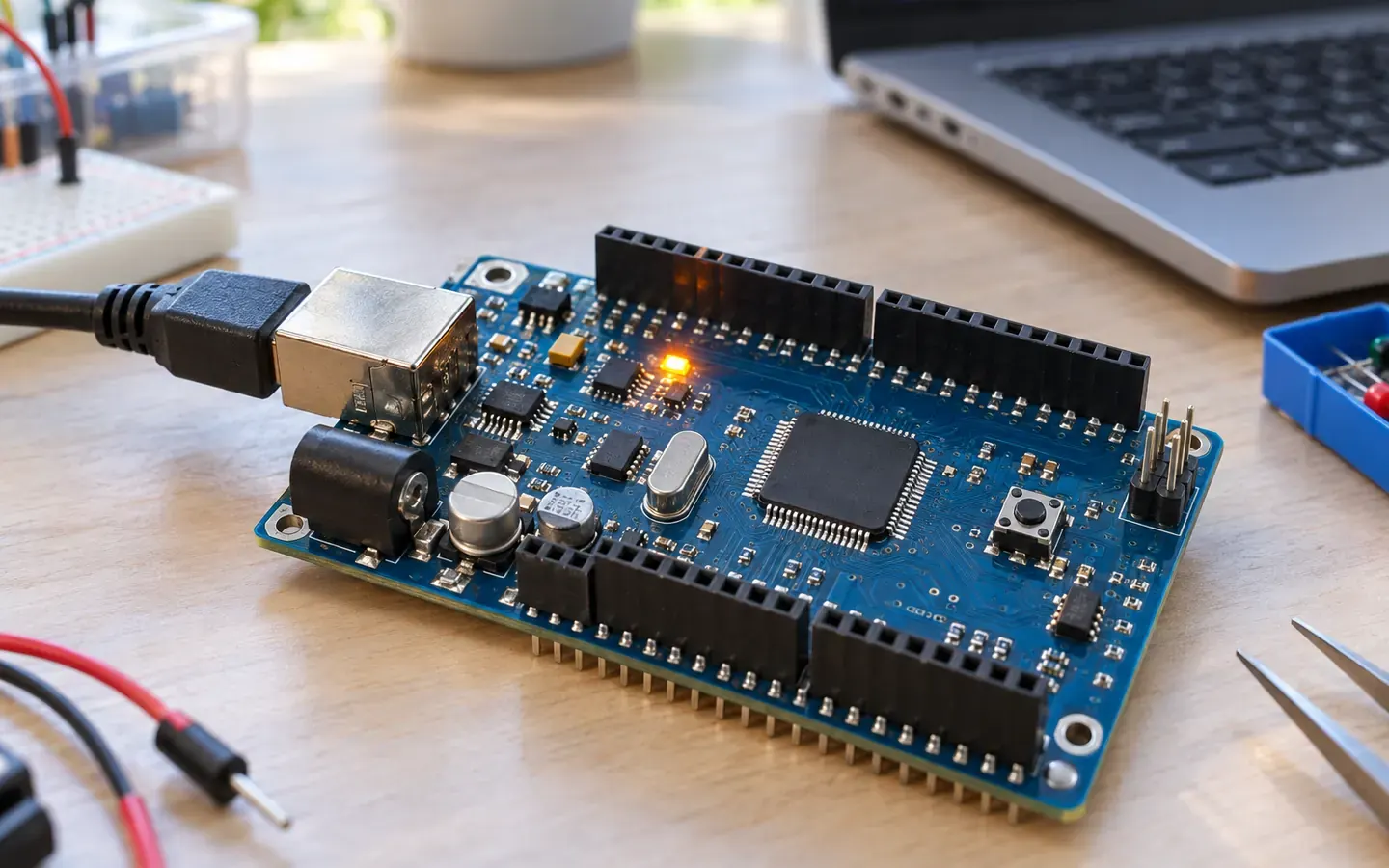 Basic
How Does Arduino Run setup and loop?
An Arduino sketch has two functions: setup runs once and loop repeats forever. See the run order, why loop never pauses and what delay does.
Internet of Things (IoT)4 min read


Sources
These sources are written for older readers. If they feel hard, read them with an adult.
- Serial Communication(opens in a new tab)
SparkFun ElectronicsTier C: other sourcesRead on October 29, 2026
- Connecting Two Nano 33 IoT Boards Through UART(opens in a new tab)
Arduino (official documentation repository)Tier C: other sourcesRead on October 29, 2026