

What Does a Mini Mopping-Robot Fleet Include?
- Basic
- Article
- Ages 14+
- 8 min read

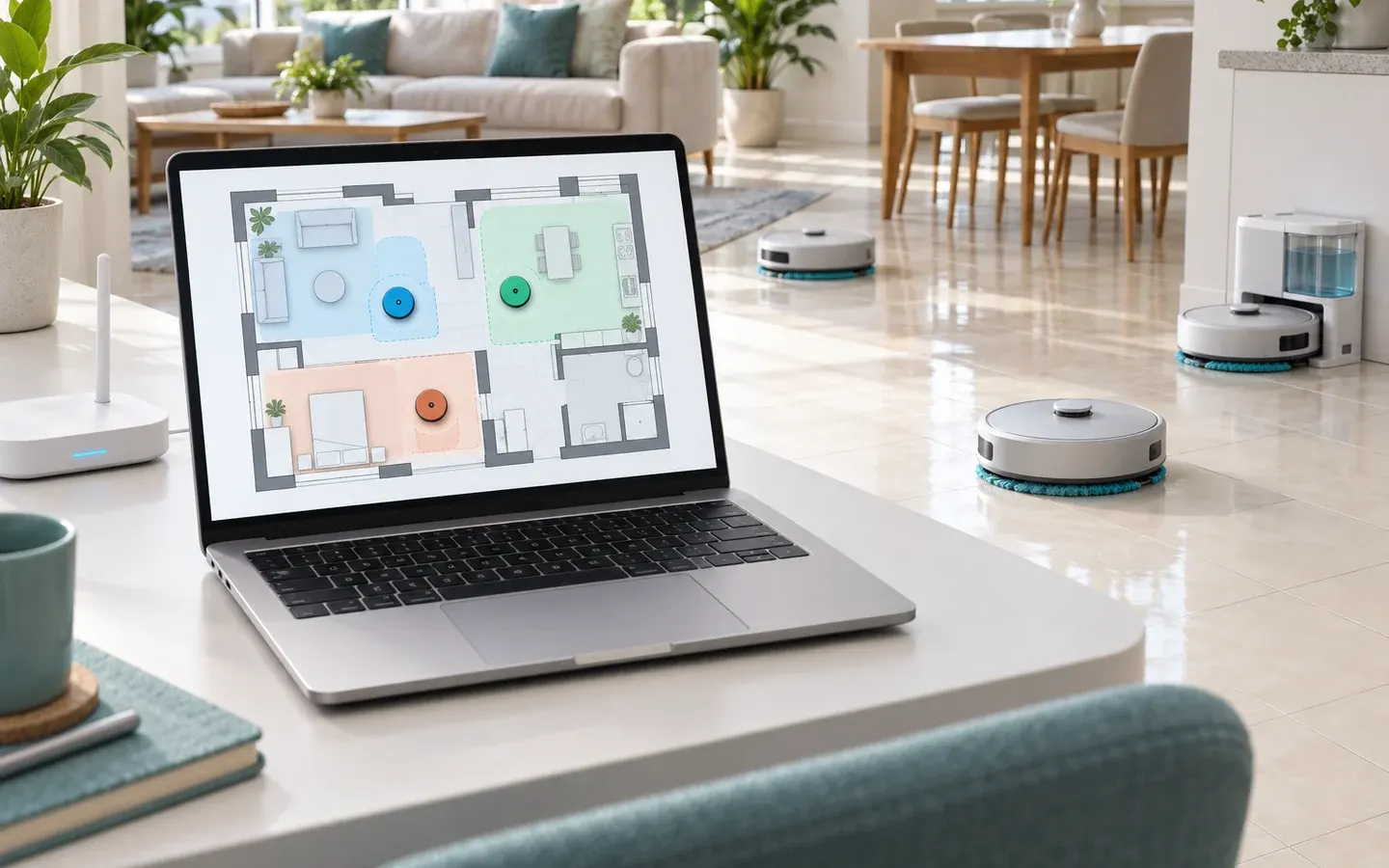
A mini mopping-robot fleet has four parts: several small robots that each look after one zone, a dock that supplies power and water, a central controller running on a computer, and a person who receives alerts. In this illustrative design the robots mop, the dock holds energy and water, the controller plans, and the person handles what machines cannot.
Contents
- Mopping robots
- Power and water dock
- Central controller
- Phone receiving alerts
What you will learn
- Name the four parts of the system and the work each one does.
- Explain why several small robots sharing zones can suit a home better than one large robot, and what that costs.
- Follow the data, commands and states of one robot through a cleaning run, including a fault.
Before you start
You only need to know what a robot is, for example from the article What Is a Robot?; other terms are explained the first time they appear.
Why use several small robots instead of one large one?
Several small robots split the floor into zones, work in parallel, fit into low spaces and can keep the other zones working when one robot breaks. For tasks that can be divided, a survey of swarm systems states that a robot team can finish faster than a single robot because the work is split and run at the same time. The same survey says a team may be more robust than one complex robot, through redundancy and distributing functions. This does not mean every fleet has no shared failure point: the illustrated system still shares a computer and dock, either of which can interrupt the fleet. On a real floor, a failed large robot stops the whole house; a failed small robot only makes its own zone wait, and the controller can hand that zone to another robot.
Size also decides where a robot can go. One manufacturer of wet-mopping robots describes its product as navigating around objects and under furniture. The gap under a bed or a cabinet is where a low body pays off.
The cost is fixed expense and coordination. Every robot needs its own motors, battery and microcontroller, so those costs multiply with the number of robots. The fleet also needs a shared place to recharge and a place that decides which robot mops which zone. That is why the illustrative model has a dock and a central controller.
- Bed zone, robot mopping underneath
- Desk zone
- Round-table zone
- Shared dock
What does each part of the system do?
Four parts each have their own job: the mopping robot, the dock, the central controller and the person. The table below is an illustrative design, not a chosen parts list.
| Part | Main job | Example components |
|---|---|---|
| Mopping robot | Move, mop damp, sense its surroundings, stop itself when something is wrong | Low body, two wheels, water tank, pump, pad, battery, microcontroller, sensors |
| Dock | Recharge, refill water, take in dirty water, report that the robot has arrived | Charging contacts, guide, clean-water tank, dirty-water tank |
| Central controller | Assign zones, plan paths, track the whole fleet, notice cluttered areas, send alerts | One program on a personal computer or laptop |
| Person | Do the rough tidying, receive alerts, decide whether to clear an area or skip it | A phone or a window on the computer |
The robot is the only part that touches the floor, so it keeps the jobs that cannot wait: sensing a step edge, stopping on impact, cutting the pump when it stands still. The dock is more than a charging stand. One manufacturer's auto-wash dock refills the robot's water tank automatically when needed, and after cleaning it washes and dries the mopping pad.
According to a survey of path planning for multiple robots, in centralized control one central processing unit, which could be a standalone computer or a robot, takes full responsibility for controlling and managing the system. Here that role belongs to a program on a personal computer on the same Wi-Fi network. The person comes last: they receive alerts about cluttered areas and make the call themselves.
- Wheel
- Battery and control board
- Water tank, pump and pad
- Downward-looking floor sensor
- Charging contacts
- Dock clean-water and dirty-water tanks
How do data and commands move between the parts?
The robot sends its state up to the controller, and the controller sends commands down to the robot and alerts to the person. Each direction carries its own kind of message.
| Direction | Main content |
|---|---|
| Robot to controller | Estimated position, battery level, state, bump or stall events, heartbeat |
| Controller to robot | Assigned zone, path, commands to mop, stop or return to the dock |
| Dock to controller | Robot has arrived, is charging, clean-water and dirty-water levels |
| Controller to person | An alert with the location of the cluttered area |
A heartbeat is a short message the robot sends at regular intervals to say it is still connected. When the controller misses it for a set waiting time, it treats the link as suspect.
Existing robot software splits work in a similar way. In ROS, a node is a participant in the graph of nodes that communicate; a node publishes data to a named topic and other nodes subscribe to it, and nodes can run in the same process, in a different process or on a different machine. In an RMF demonstration, a fleet manager relays commands to the robots, and a fleet adapter receives robot state information and sends task and navigation commands.
Where decisions sit is the biggest design choice. Centralized control puts every decision in one unit. In a decentralized approach, each robot has its own controller and operates independently on the data it processes. A hybrid approach applies several styles at once to use the advantages of each. The same survey says a centralized system could collapse if its controller becomes overloaded or fails, and that it needs continuous communication, which may add latency. The illustrative design is therefore hybrid: planning at the controller, safety reflexes and the trip back to the dock on the robot. The exact split needs an analysis of its own.
- Robot
- Dock
- Central controller
- Person's phone
- Reports from robot and dock
- Commands to the robot
- Heartbeat
- Alert to the person
Which states does a robot pass through during one run?
A robot alternates between waiting at the dock, mopping, returning and charging, with two side branches for alerts and faults. In the illustrative design the main cycle is:
- The robot waits at the dock and receives an assigned zone.
- The robot travels to that zone and mops.
- The robot returns to the dock when the battery is low, the tank is empty or the work is finished.
- The robot enters the dock, then recharges and refills.
- The robot goes back to waiting.
Reaching the dock area and successfully docking are different steps. The Nav2 docking procedure first navigates the robot to the dock's staging point if it is not already near. The robot leaves the vision-control loop once contact with the dock is detected or charging has started, and the procedure then waits for charging to start before it reports success. The illustrative design borrows this order: reach the staging point, move in, confirm contact, confirm charging, and only then count the robot as docked.
Two side branches handle the unusual. In the alert state, a robot that meets a cluttered area, for example by getting stuck repeatedly, marks that area, tells the controller and moves elsewhere. In the illustrative model, a lost heartbeat first makes the robot cut the pump and stop mopping. It returns to the dock only if it can still localize itself, has a stored return route and enough energy. If it is stuck, cannot locate itself or lacks energy, it stops and records a fault. Returning is a local navigation task, beyond a stopping reflex.
- Waiting at the dock
- Mopping
- Returning to the dock
- Charging and refilling
- Alert branch
- Fault branch
Real-world example
A small office has three zones: a meeting room, a desk area and a corridor. This is a design scenario, not a test result. After the rough tidying, the controller gives each zone to one robot.
The meeting-room robot mops under a table, meets an extension cord lying on the floor and gets stuck twice. It marks that cell and tells the controller, which sends an alert with the location so a person can lift the cord. The corridor robot's battery runs low; it heads for the dock, finds it charging another robot, and waits at the staging point before moving in.
Then the Wi-Fi goes down. The controller loses the heartbeat of the desk-area robot, and that robot receives no commands. It cuts the pump, stops mopping and uses the dock location and return route stored on the robot to return if conditions allow. If it cannot establish a safe route, it stops and records a fault to report after reconnecting. When the network comes back, it reports its state and waits for a new command. How the robot finds the dock without a link needs a mechanism of its own and is outside this article.
Common misunderstandings
Several small robots are always cheaper than one large one. Each robot has its own motors, battery, microcontroller and sensors, so fixed costs multiply with the number of robots. The gain comes from reaching narrow spaces, working in parallel and redundancy.
With a central controller, the robots need no decisions of their own. When the central controller is overloaded or fails, a whole centralized system could collapse. That is why each robot keeps its own stop and return-to-dock reflexes.
The dock is only a charging stand. The dock takes part in the robot's state: it refills water and takes in dirty water. In one commercial product, if a mission is canceled early, pad washing does not happen automatically, so a design must decide what the dock does when a mission ends abnormally.
Frequently asked questions
Can a mini mopping robot clean under a bed?
It depends on the height of its body against the real gap under the bed. One manufacturer of wet-mopping robots describes its product as navigating under furniture. To know whether your own robot fits, measure the gap and compare it with the body height.
Can one computer control several mopping robots?
In architecture terms, yes, because the central processing unit can be a standalone computer. The largest number of robots depends on processing load and Wi-Fi quality, so it has to be measured on the real system.
Does a mopping robot need an automatic water-refill dock?
No. A refill dock lets the robot repeat its work without a person pouring water. Without automatic water, a person has to fill the tank, and the design still needs a place to recharge.
Summary
- The system has four parts: the mopping robot, the dock, the central controller and the person, each with its own set of jobs.
- Several small robots sharing zones gain parallel work, redundancy and access to narrow spaces, in return for fixed cost and coordination.
- A robot reports its state, takes commands and moves through waiting, mopping, returning and charging; alert and fault branches handle the unusual.
Terms in this article
English and Vietnamese terms, with the meanings used here. Hover, tap or Tab to a term with a dotted underline for an explanation as you read.
- central controllerbộ điều khiển trung tâm
- The software or device that takes full responsibility for controlling and managing a multi-robot system; it can be a standalone computer.
- centralized controlđiều khiển tập trung
- A style of control in which one central processing unit handles all data and makes the decisions for a whole multi-robot system.
- decentralized controlphi tập trung
- A style of control in which each robot has its own controller and makes its own decisions from the data it processes.
- hybrid controlkiểu lai
- A style of control that applies several control styles at the same time to use the advantages of each.
- docking stationtrạm nạp
- The place a robot returns to in order to recharge; some designs also refill water or wash the mopping pad there.
- nodenút
- A participant in the ROS graph that uses a client library to exchange data with other nodes.
- fleet managerbộ quản lý đội
- Software that relays commands to the robots of a fleet and takes back their state.
This article is not marked as viewed
Spotted something wrong or unsafe?
Tell the administrator by email. The message already has the article title and address.
You may also like
 Advanced
How Can a PC Control a Fleet of Small Mopping Robots?
How a PC and small robots share work over Wi-Fi: broker or micro-ROS, message types, clock sync, failure points and how each one is noticed.
Robotics8 min read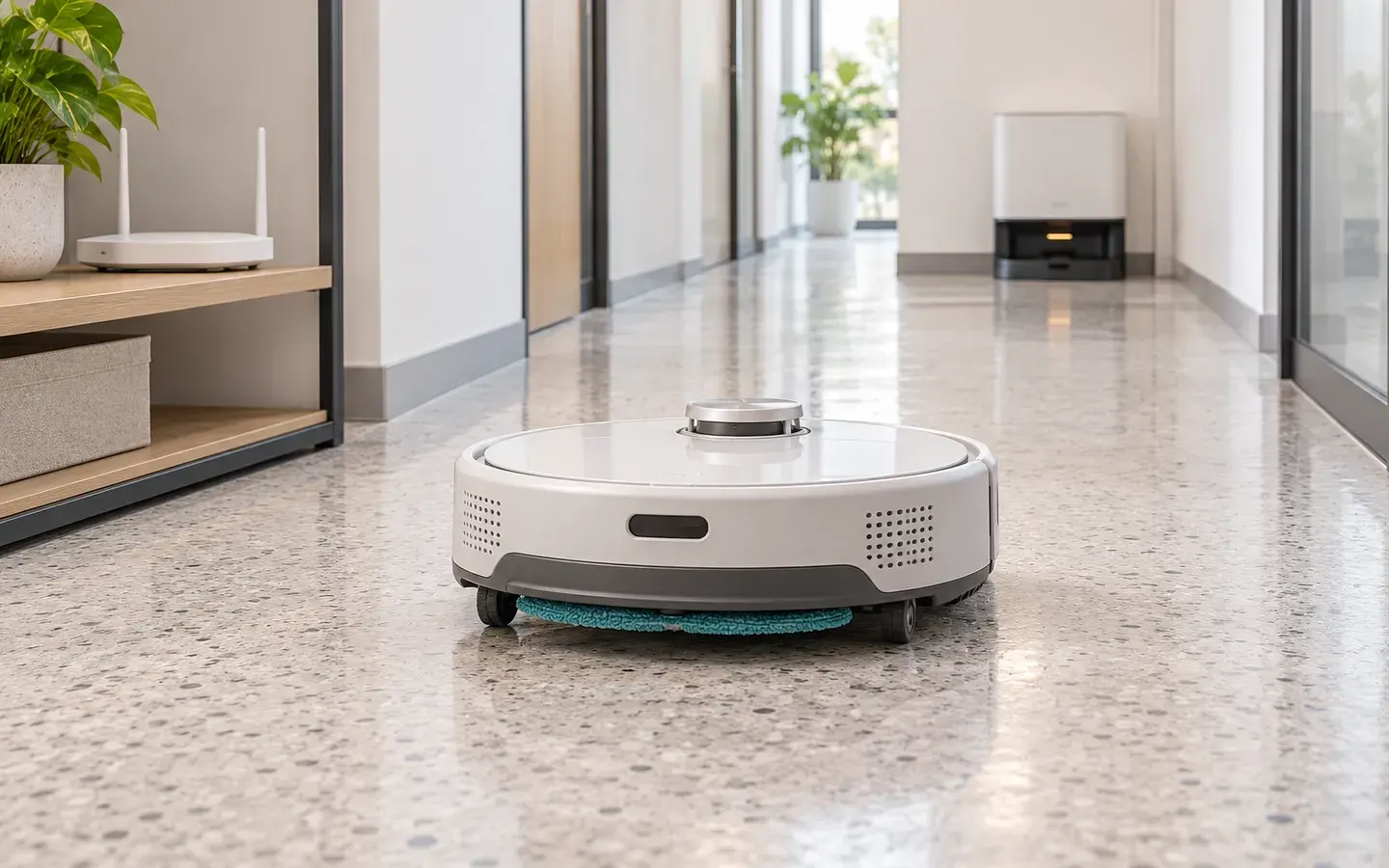 Intermediate
How Does a Robot Return Home When Its Link Drops?
How a mopping robot spots a lost link, stops its pump, finds the dock without a controller and rejoins: the states, failure cases and tests.
Internet of Things (IoT)7 min read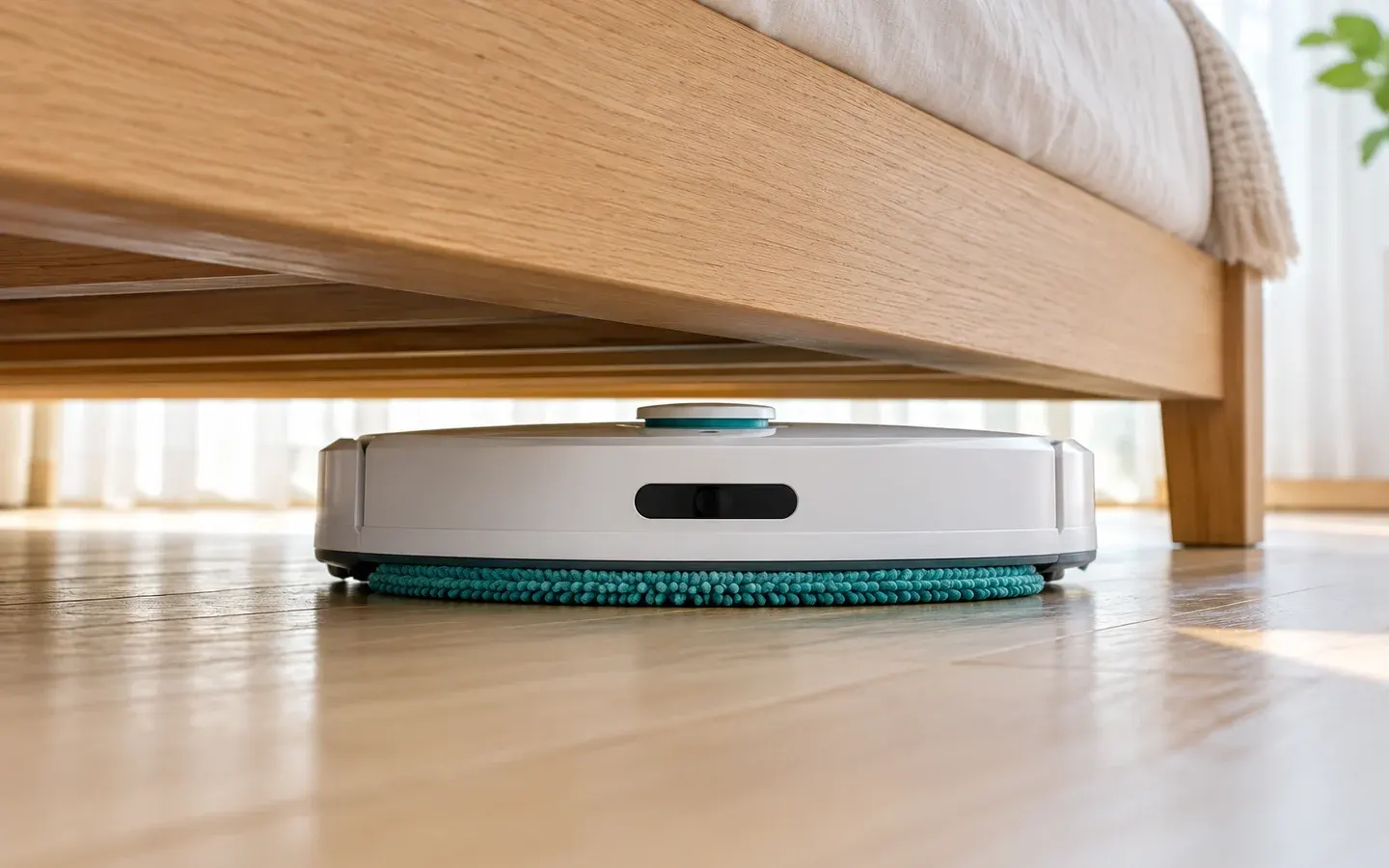 Intermediate
How Is a Mop Robot Built to Fit Under a Bed?
From bed clearance to body height: differential drive, wheels, tank, pump and battery layout, mop pad drag and how a robot escapes a jam.
Robotics7 min read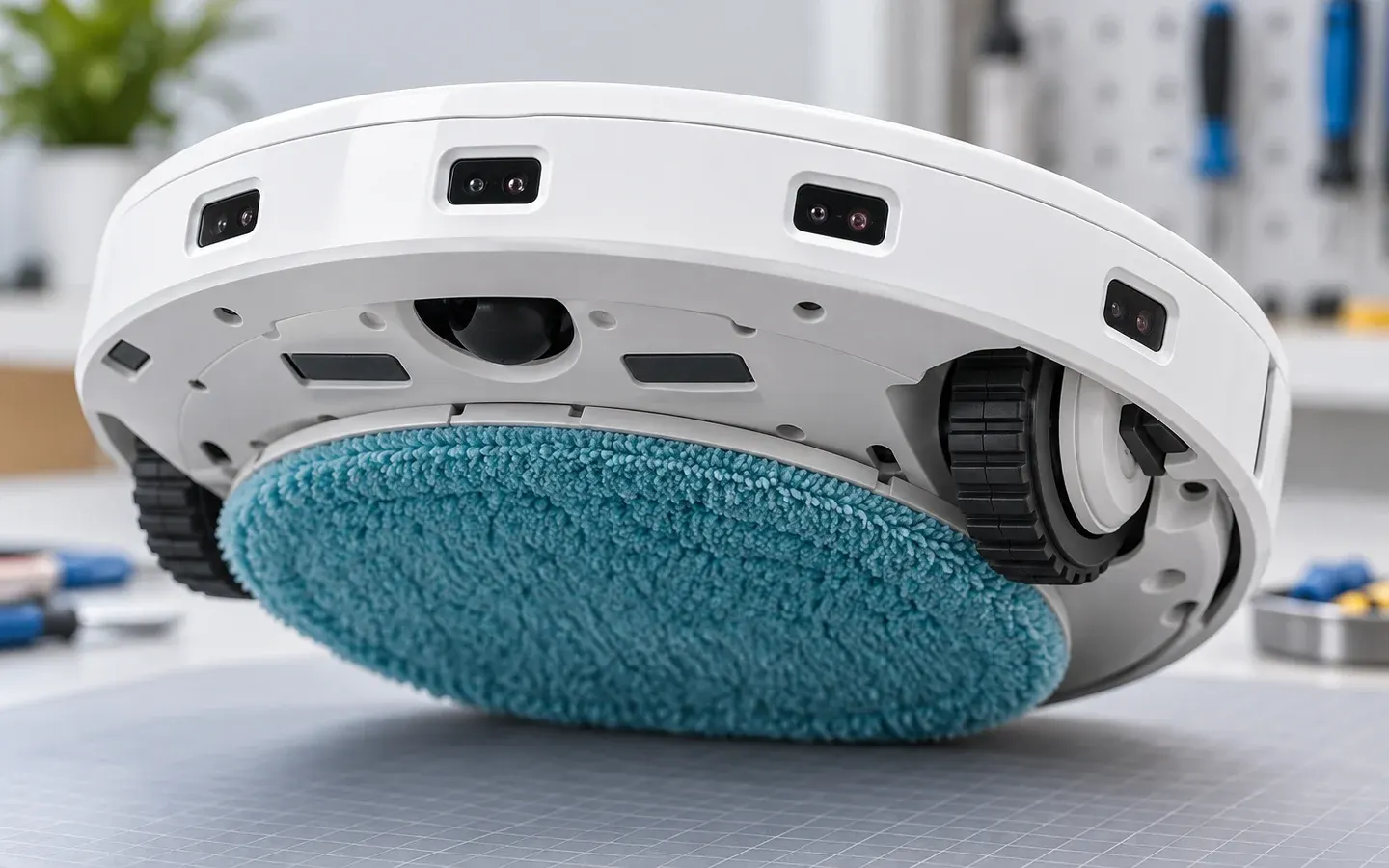 Intermediate
Which Sensors Stop a Small Robot Falling or Colliding?
Cliff, bumper, time-of-flight, encoder, IMU and motor-current sensing: how each works, where it sits, how it fails and which one wins.
Robotics7 min read


Sources
These sources are written for older readers. If they feel hard, read them with an adult.
- Recent Developments in the Theory and Applicability of Swarm Search(opens in a new tab)
PubMed CentralTier A: government, standards or research bodiesRead on November 2, 2026
- A Comprehensive Study of Recent Path-Planning Techniques in Dynamic Environments for Autonomous Robots(opens in a new tab)
PubMed CentralTier A: government, standards or research bodiesRead on November 2, 2026
- rmf_demos_fleet_adapter(opens in a new tab)
ROS documentationTier A: government, standards or research bodiesRead on November 2, 2026
- Using Docking Server(opens in a new tab)
Nav2Tier C: other sourcesRead on November 2, 2026
- Mopping with Your Roomba Combo 10 Max(opens in a new tab)
iRobotTier C: other sourcesRead on November 2, 2026
- Nodes (ROS 2 concepts)(opens in a new tab)
ROS documentationTier A: government, standards or research bodiesRead on November 2, 2026
- iRobot Braava jet m6 Robot Mop(opens in a new tab)
iRobotTier C: other sourcesRead on November 2, 2026